How to Paste or Upload Your Guest List
You can add multiple guests to your Punchbowl invitation or digital greeting card by pasting a list of contacts or uploading a file, including photos of your guest list!
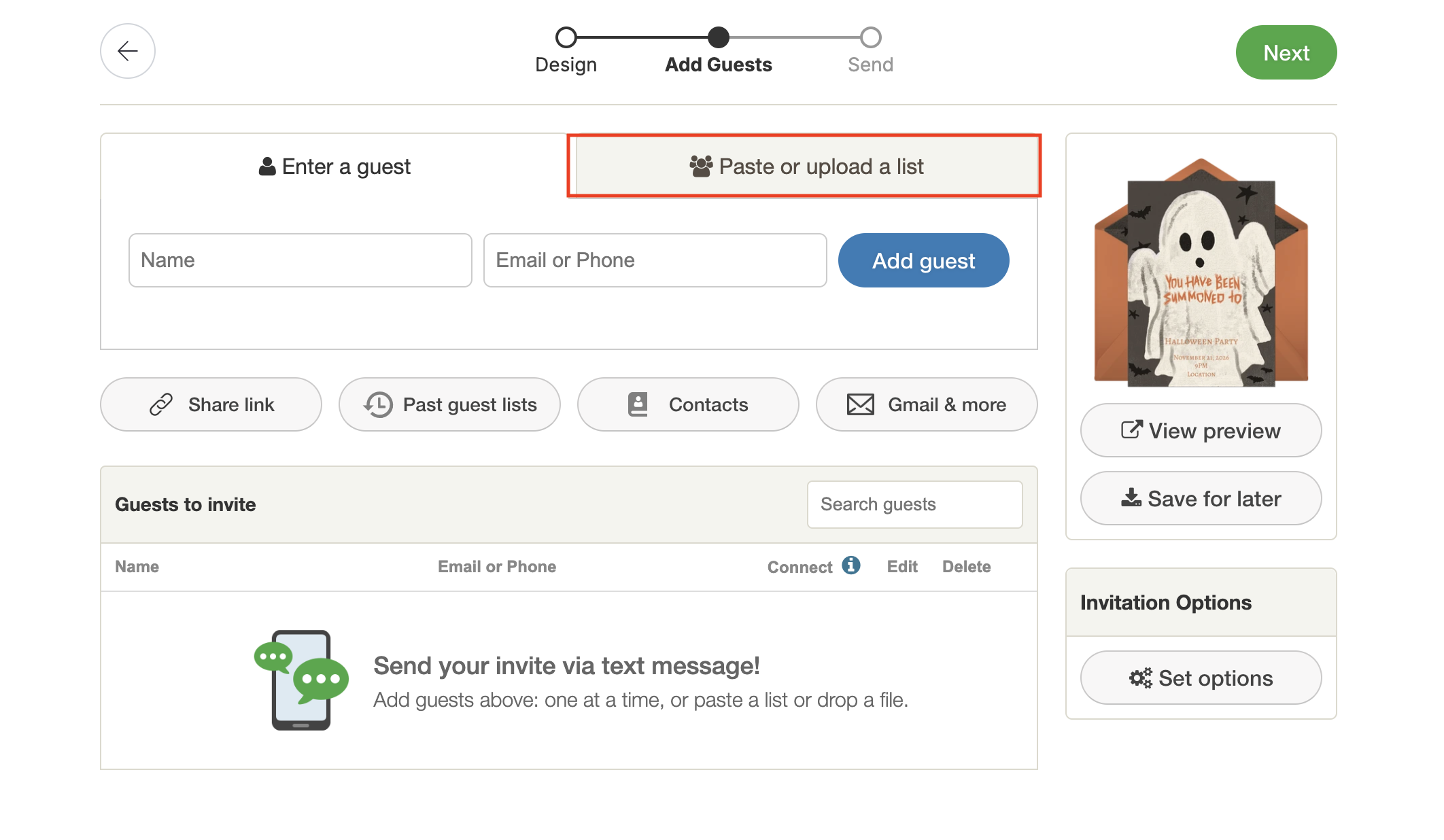
- On the Add Guests page, select Paste or upload a list.
- Choose one of the following options to add your contacts:
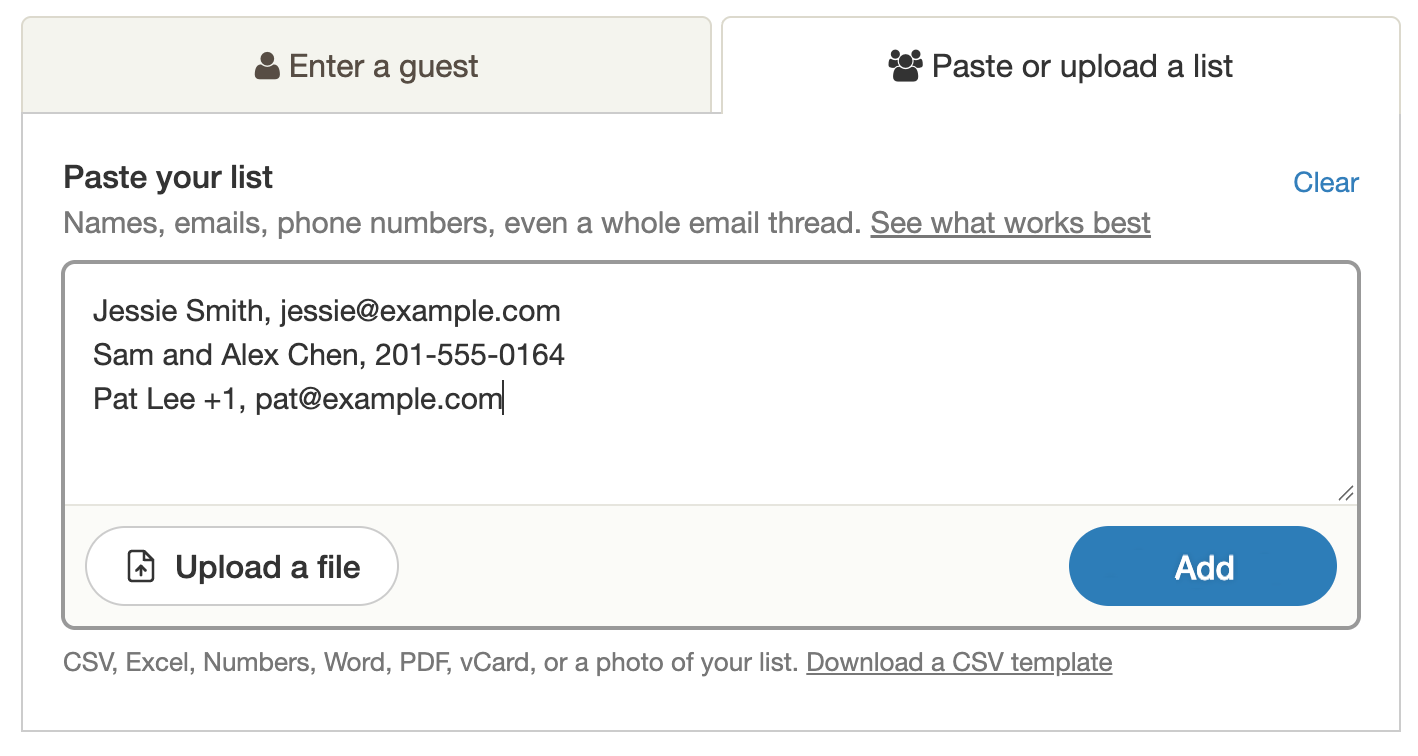
Paste a list:
Paste names, email addresses, phone numbers, or even an email thread containing contact information into the text box. Then, select Add.
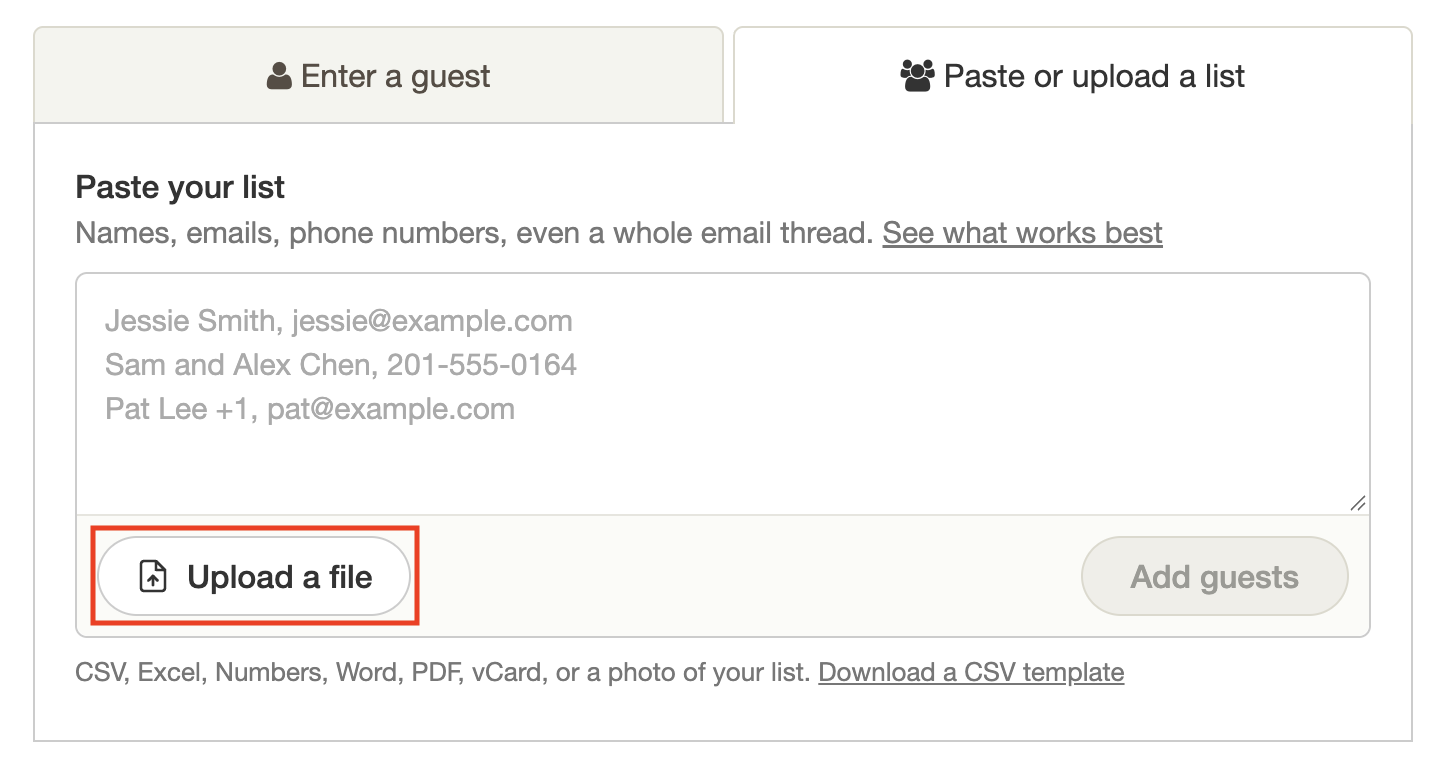
Upload a file:
Select Upload a file and choose a file from your device, or drag and drop it into the upload area.
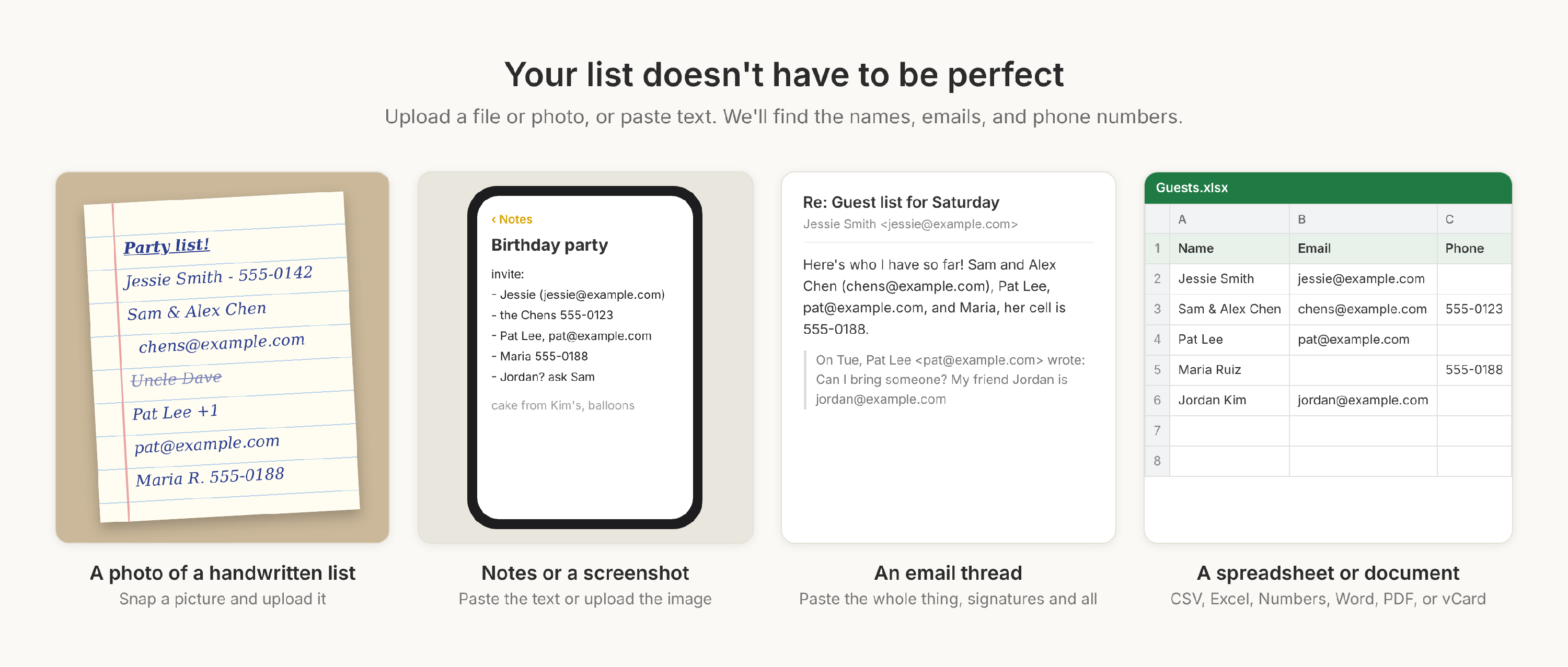
What can I upload?
- Spreadsheets: CSV, Excel, or Numbers files.
- Documents: Word files and PDFs, like a typed guest list or a class roster.
- Contact cards: vCard (.vcf) files exported from your phone or email contacts.
- Photos and screenshots: a picture of a handwritten list, or a screenshot of your notes or a group chat.
- Text you copy and paste: notes from your phone, an email thread, or a list from anywhere else.
Don't worry if it's messy. Upload it and we'll do the rest!
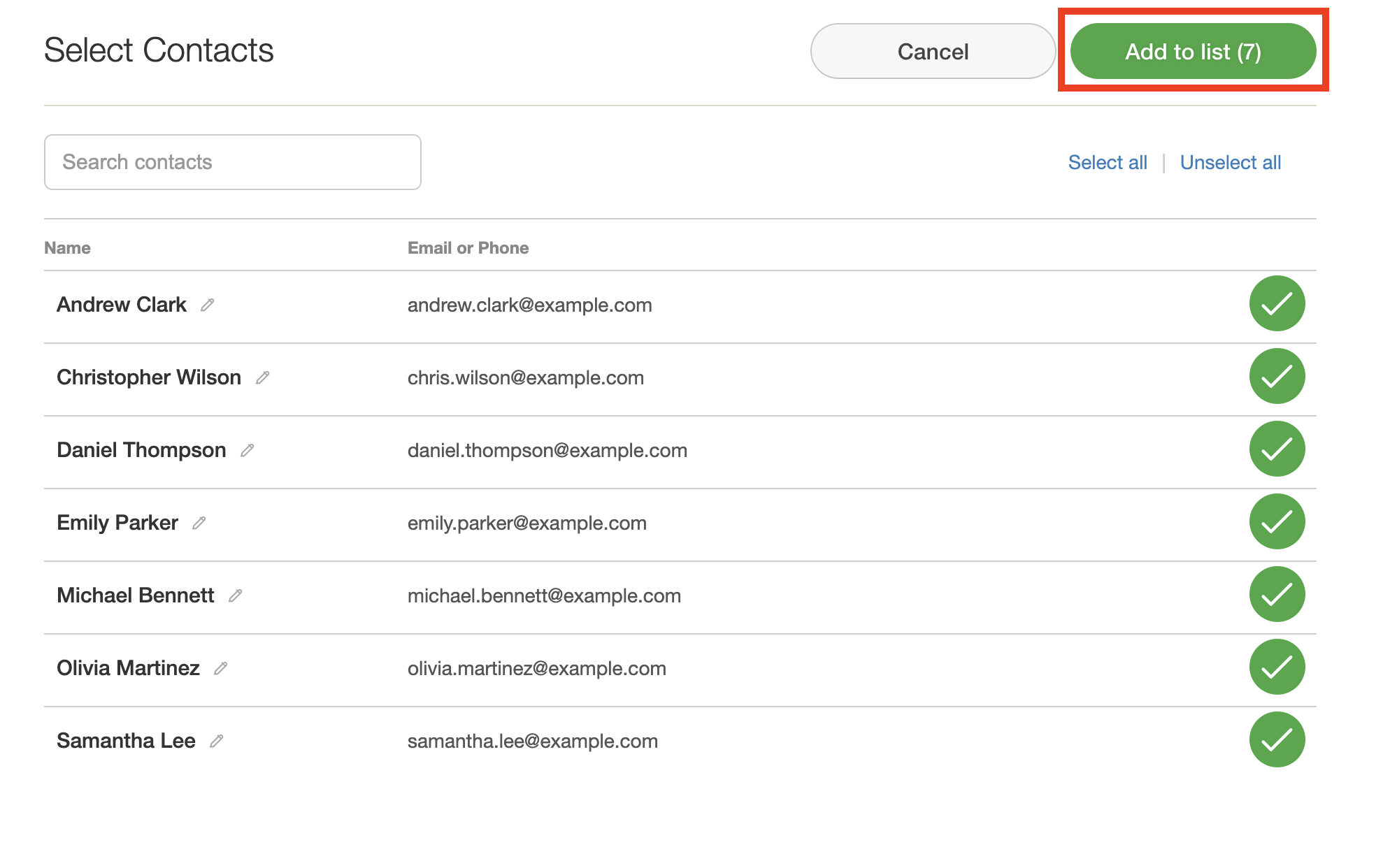
- Review your guests, then select Add to list. You can edit a name or uncheck anyone you don’t want to add.